


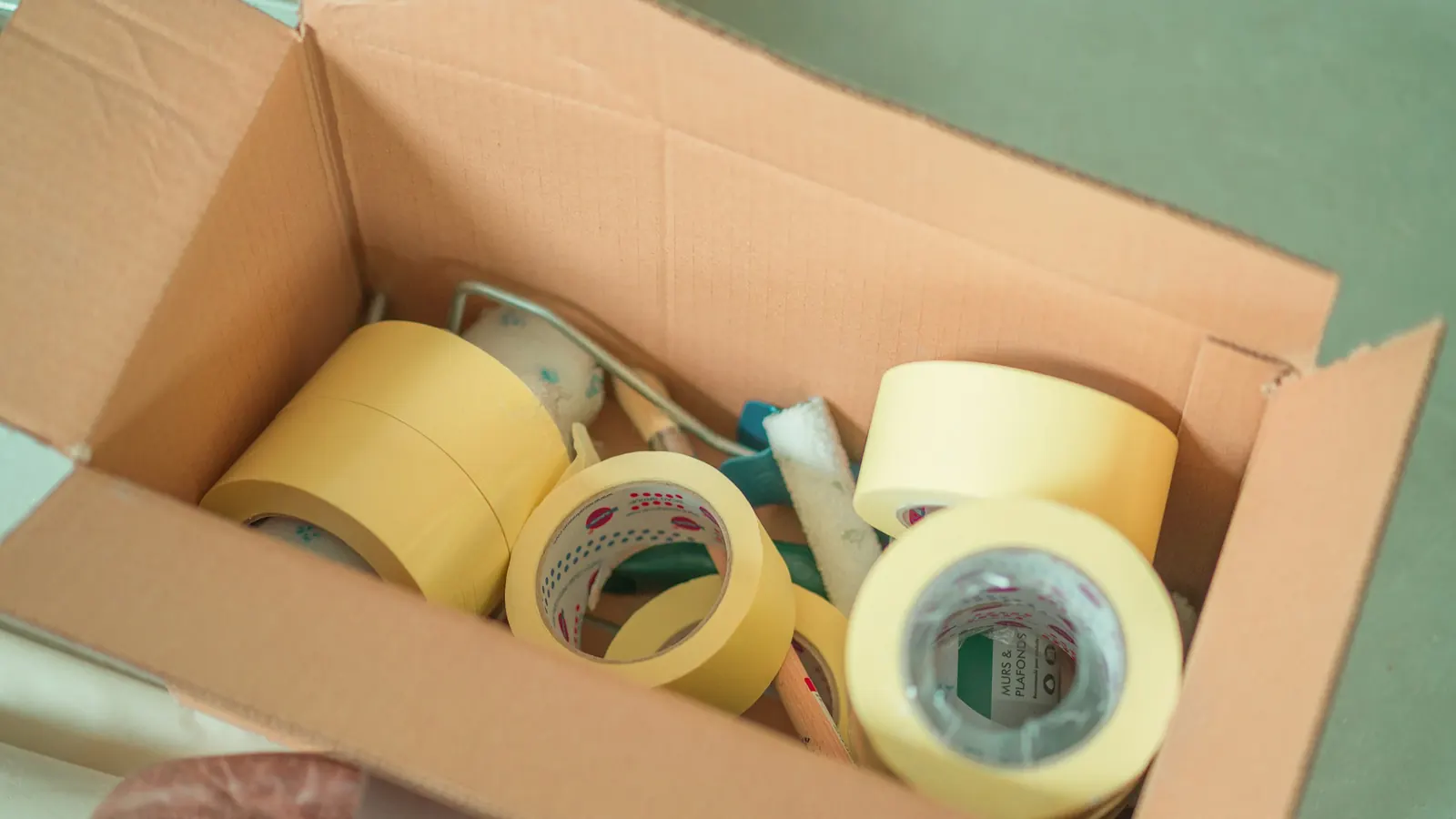
Watch someone pack orders for ten minutes and count how much of it is actually packing. Much of the rest is the work around it: walking to a shelf and back, telling two shades of the same product apart, trying a second box because the first was too small, pasting an address into a carrier's website, waiting for a print dialog, looking for the tape. Each costs seconds, and each happens on every order.
Below: one order step by step, the changes that take the slow steps out, and how to check in your own numbers that they worked without adding mistakes.
Where the minutes go
Here is one order, from choosing it to dropping it in the carrier's crate. The table describes the job; it does not time it.
| Step | Where the time goes | What takes it out |
|---|---|---|
| 1. Choose the next order | Deciding which order is next, finding its paperwork | A queue in which the next order is simply the next one |
| 2. Fetch the items | Walking to each shelf and back, once per order | Picking in batches |
| 3. Find the right one | Reading labels, telling two variants apart | Fixed shelf places and a SKU on every variant |
| 4. Check the items | Comparing each item with the order by eye | A barcode scan per item |
| 5. Choose a box | Trying one size, then the next | A few box sizes, chosen in advance |
| 6. Pack | Reaching for tape, filler and inserts | A station laid out around the order |
| 7. Create the label | Pasting the address into a carrier's site, choosing a service | A label created from the order data |
| 8. Print it | A print dialog, a printer to choose, an A4 sheet to cut | A label printer that prints without asking |
| 9. Hand it over | Finding the right carrier's pile | One crate per carrier at the end of the table |
| 10. Close the order | Marking it shipped, sending the tracking link | Closing the order from the label |
A description of the work, not a measurement. If the items are picked before packing starts, steps 2 and 3 move from the table to the shelves; they do not disappear.
Warehouse research has studied the first half of that list in much bigger buildings. A 2007 review of order-picking research in the European Journal of Operational Research reproduces a 2003 facilities-planning textbook's breakdown of a typical warehouse picker's time, with no sample given: 50% travelling, 20% searching, 15% picking the item, 10% setting up and 5% other. S3 It was not measured in a shop's stockroom. What carries over is the direction: the step that looks like the work, taking the item off the shelf, is the small part. The review quotes two other researchers on the biggest share: “travel time is waste”. S3
What a normal order takes
The packing-time benchmarks on vendor blogs and seller forums come without a sample or a definition, so we do not repeat them. The one we can describe in full is our own.
Time per order in OrderKrab's packing data, week of 26 October 2026
61.7 s
Median order
Half of the timed orders took 61.7 seconds or less from the first scan to the packed label. S1
113.7 s
75th percentile
One timed order in four took longer than 113.7 seconds. S1
5 s – 30 min
Orders kept
Orders timed under 5 seconds or over 30 minutes are left out. Several thousand orders from a few dozen shops remain. S1
One software's users, mostly Lithuanian shops, and not many of them: a reference point for a small shop's packing table, not an industry norm. The method is under How we counted at the end.
Two things about that figure. It starts at the first scan, so whatever happens before it - fetching the next order, and gathering the items if they are picked before scanning starts - is not in it. It is therefore not an orders-per-hour rate, and dividing an hour by it would overstate what a packer gets through.
And the spread matters more than the middle. In this data a quarter of orders took longer than 113.7 seconds, 52 seconds above the median. S1 In your own slow orders, look for what they share: several items, an item not where it should be, a box that did not fit, a label that failed. That is the to-do list for the rest of this article.
Pick in batches, not one order at a time
Fetching items order by order is what the research calls discrete picking, or pick-by-order: one order per walk round the shelves. Batch picking, or picking by article, is the alternative, in which “multiple customer orders (the batch) are picked simultaneously”. S3 The items then have to be split back into orders, either on the trolley as you go (sort-while-pick) or at a table afterwards (pick-and-sort). S3
The same review says when it pays. Large orders can be picked one per tour; “when orders are small, there is a potential for reducing travel times by picking a set of orders in a single picking tour.” S3 A shop whose orders are a few items each is in the second case. The review names two ways of grouping orders into a batch: by how close their items sit on the shelves, and by time window. S3 For a small shop the time window is the practical one, because it lines up with the courier's collection.
- 1
Cut a wave at a fixed time
Everything in by 10:00 is the morning wave, everything by 13:00 the afternoon one, timed to suit your collection. Nobody decides which orders go in, and a late order waits for the next wave instead of interrupting this one.
- 2
Add the wave up by product
One line per product with the total: twelve black mugs, three blue. Sort the lines in shelf order, so the walk is one loop.
- 3
Give single-item orders their own wave
An order with one item needs no sorting, because each item is an order. Pick them together and pack them one after another.
- 4
Sort at the table, with a check
Splitting the batch back into orders is where batch picking can put the wrong item in the wrong box: two orders both want a black mug, and one of them gets the blue. Check each order's items as it is packed - by scanning, if every item has a barcode - not from memory of the trolley.
- 5
Leave big orders out of the batch
An order with fifteen lines, or one bulky item, is the large-order case: pick it on its own. S3
Vendor websites quote percentage gains for batch picking; none we checked names the study behind its number, so there is none here. A week of picking order by order against a week of waves, on the same kinds of orders, gives you your own.
Set up the station around the order
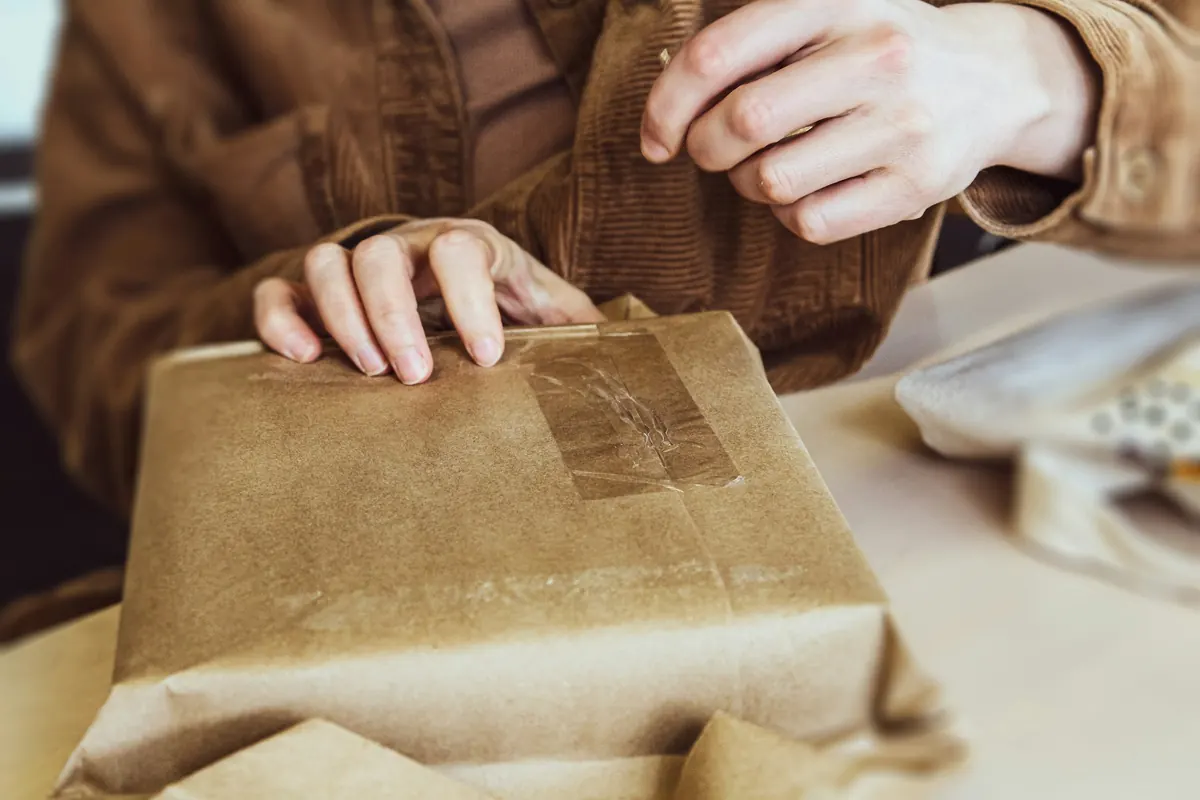
A packing station is a short production line whose product is a closed, labelled box. Lay it out so the order moves one way: items in on one side, the box built in the middle, the label printed and stuck at the far end, the parcel into its carrier's crate.
The Canadian Centre for Occupational Health and Safety's guidance on standing work is a good first rule, though it was not written for packing tables: “Organize your work so that the usual operations are done within easy reach,” with tools placed so they can be reached “without twisting or bending.” S4 It also gives working heights against the elbow: about 5–10 cm below elbow height for light work, and 20–40 cm below for heavy work that demands downward force. S4 Our reading: packing small parcels is light work, while taping down a heavy box is closer to heavy work, which is an argument for a lower side table at the end of the line.
- Boxes and mailers within one step, the most-used size nearest.
- Tape, filler and inserts fixed in place. A tape dispenser screwed to the edge of the table is never under yesterday's box.
- The scanner on a stand or a short cable, in the same place every time, so both hands stay free.
- The label printer at the outgoing end, with a spare roll beside it.
- One crate per carrier after the printer, so nothing is sorted again when the van arrives.
- A problem shelf, away from the table. An order that cannot be packed goes there with a note, the next order starts, and one person clears the shelf before the collection.
- Shelf places that do not move. The 20% the textbook breakdown gives to searching is time spent looking S3; a fixed, labelled place for every product, with its SKU on the shelf label, is the cheap fix. More on why every product needs a SKU.
Most of this costs an afternoon, not money. The rule that keeps it: nothing lives on the packing table that is not used on every order.
Make the label print itself
Done by hand, a shipping label is several jobs in a row: open the carrier's website, paste or retype the name, address and phone number, choose the service and the parcel size, confirm, download a PDF, open it, print it, cut it out of an A4 sheet if that is what the printer takes, and stick it on. Each is a chance to paste the wrong address or pick the wrong service, and none of it is packing.
The printing step has a technical catch. A web page prints by calling window.print(), which “opens the print dialog”, and the page waits while the dialog is open. S5 So a label printed from a website costs at least one dialog and one click per order, and printing without the dialog needs something outside the browser: a small program on the packing computer, or software that talks to the printer directly. That is our reasoning from how browsers work, not a product test.
Four decisions make the label step disappear rather than just get quicker:
- Create the label from the order, not from the address. The name, address, phone number and chosen delivery method are already in the order; a label built from them needs no typing and has no typing errors. Let a rule on the customer's shipping method pick the carrier and service, not the packer.
- Print when the last item is checked, not before. A label printed at the start of an order can end up on a different box. One printed only when every item has been checked belongs to a box that is already right.
- Use a printer that prints only labels. A roll in your carrier's label size means no A4 sheet, no cutting and no tray to choose. Which printer is a separate article.
- Close the order with the label. Let the label mark the order shipped and send the tracking link to the store, instead of a round of clicking at the end of the day.
Fewer box sizes, chosen in advance
Every box size on the shelf is a decision the packer makes on every order. With three sizes it is a glance; with nine it is a trial fit. Fewer sizes, chosen from what you actually ship, make the decision in advance.
- Start from your orders, not the supplier's catalogue. Note which box each of a few weeks' orders needed and keep the handful of sizes that cover most of them.
- Write the box on the shelf. For your best sellers, put the box size on the shelf label or in the product record, so the packer reads it instead of judging it.
- Pre-pack what sells together. A popular bundle packed in advance, with its own SKU, is one pick and no assembly.
Then check the sizes against your carriers, because the size of a box decides which delivery options it fits and, with some services, what it costs. InPost's consumer guide to its Paczkomat lockers in Poland gives three standard sizes on a 38 × 64 cm footprint, 8, 19 and 41 cm high, each up to 25 kg, plus a smaller XS size sent only through its app. S6 A box 20 cm tall misses the middle compartment by a centimetre and needs the large one. The sizes in your own contract are the ones that count.
Services priced by weight can charge for space as well. DHL Express, on its Dutch website, calculates a volumetric weight as length × width × height in centimetres divided by 5000, and charges whichever is higher, that or the actual weight. S7 Its own example is a 20 kg shipment measuring 75 × 40 × 40 cm S7; by the formula, that box weighs 24 kg for billing. The divisor is DHL Express's; other carriers and services use their own, so check yours.
There is a regulatory reason to keep boxes close to their contents, too. The EU's Packaging and Packaging Waste Regulation, (EU) 2025/40, has applied since 12 August 2026. S9 According to the European Parliament's summary of it, by 1 January 2030 a business that fills e-commerce packaging must keep the empty space ratio at or below 50%. S8 That is a summary rather than the Regulation's text, and it does not say how the ratio is calculated; read the Regulation before planning around it. This is not legal advice.
Measure time per order
Every change above is a guess until it is measured. The measure is time per order, from the start of an order to its label on the box, for every order. Three rules make it useful.
- Use the median and the 75th percentile, not the average. One order left half-packed over lunch drags an average up and barely moves a median. The median tells you what a normal order takes; the 75th percentile tells you how slow the slow quarter is, and that is where to look.
- Leave out what is not an order. A test scan that took two seconds and an order left open overnight are not packing times. Our own data leaves out anything under 5 seconds or over 30 minutes S1; choose limits that suit your products and keep them fixed.
- Compare like with like. Measure the same people on the same kinds of orders for a week before and a week after one change. Change two things at once and you will not know which one worked.
Our own numbers show why the last rule matters. The same measure, with the same exclusions, gave a median of 96.5 seconds and a 75th percentile of 163 seconds in the week of 11 May 2026 S2; in the week of 26 October it was 61.7 and 113.7 seconds. S1 That looks like a big improvement. It is not evidence that anyone got faster: nearly half of October's shops were not in the May figure, and different shops pack different products in different rooms. A before-and-after with a different set of people in each half measures the people.
If your software does not time orders, a stopwatch and twenty orders give a first reading: take the middle value, and repeat on the same kinds of orders a week after a change.
Count mistakes on the same sheet. A table that got faster by skipping the check has moved the time to customer service and the returns desk. Track wrong items, missing items and wrong labels per 1,000 orders next to the seconds; a speed-up that pushes that number up is not one. How to keep it at zero is the subject of a separate article, and what a wrong parcel costs once it comes back is in the real cost of returns.
None of this is about packing faster by hand. The hands are rarely the slow part. The time is in the steps around them - the walk, the search, the box, the label - and every one of those can be taken out without taking out the check that the right thing went into the box.
How we counted
- Source. OrderKrab's packing-time data, read from its internal business dashboard on 5 November 2026. S1,S2
- Time per order. Seconds from the first scan of an order to its packed label, per order, grouped by the week in which the order was packed.
- Exclusions. Orders timed at under 5 seconds or over 30 minutes, and demo orders.
- Shops. Organisations that packed orders in OrderKrab in the week, mostly Lithuanian: a few dozen in the week of 26 October 2026 S1, and a smaller, partly different set in the week of 11 May 2026. S2 The sample is small, so shop, packer and order totals are left out.
- What is not here. Items per order, the split between single-item and multi-item orders, error rates and any figure for a single shop. The data shows how long orders took, not why, and nothing in it says that any tool or change made a shop faster.
- Privacy. Aggregates only. No shop or packer can be identified.