



Before any of this was a company, I packed orders for a living. I was not the owner and I did not choose the tools. I stood at a table with a label printer, a laptop open on the shop admin and a shelf of products that came in sizes and colours, and I got the day's orders out of the door.
I did it every way a small shop does it. Two of those ways I want to describe properly, because I think most shops are still using one of them and do not see it as a problem. It is just how packing works. It was for me too, until I built something else.
The label pile
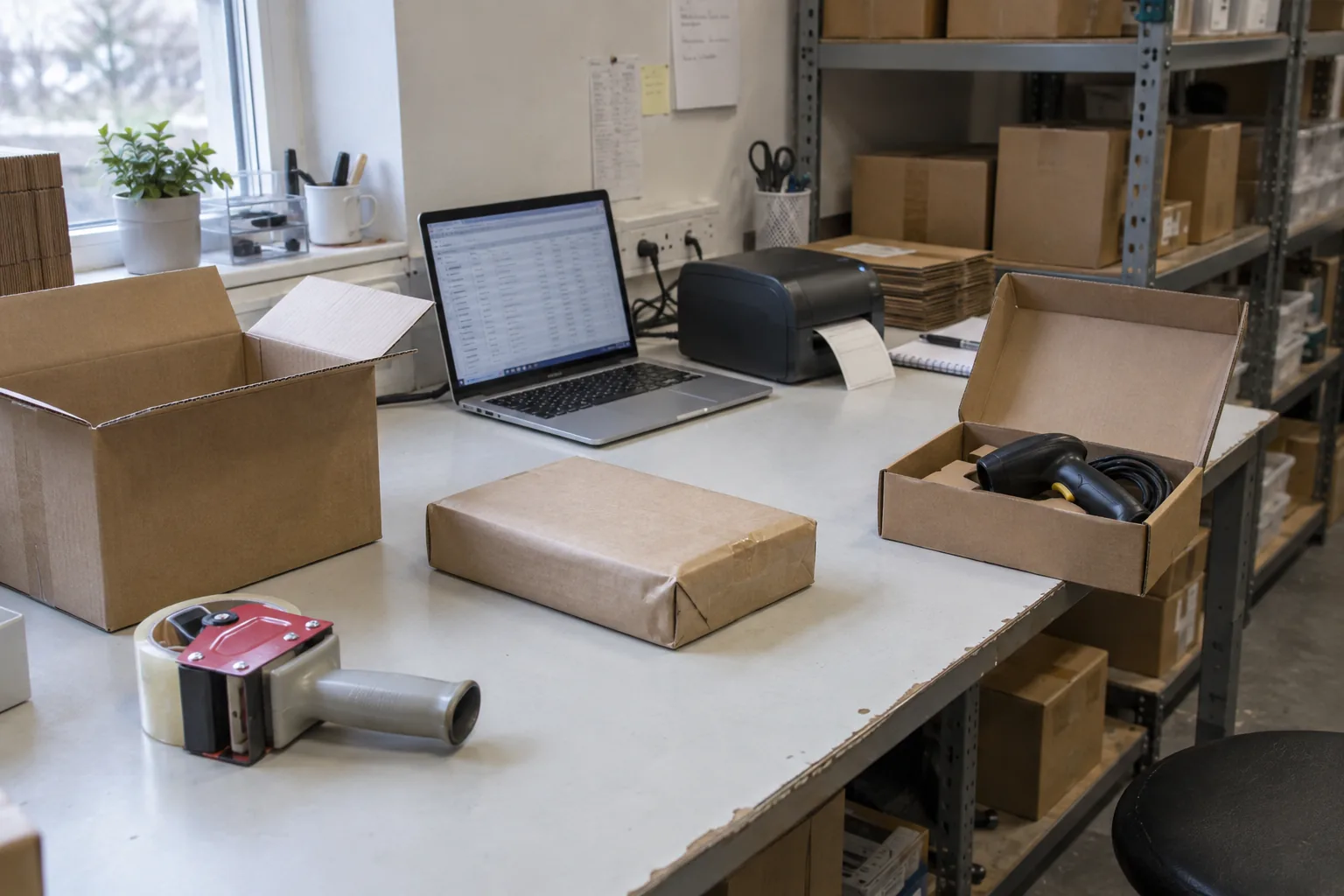
The first way is to print all of the day's labels in the morning. Sixty orders, sixty labels, one click. It feels like the efficient choice, and for the first hour it is.
Then the day happens. At 9:15 a customer writes to change a size, and the label for order 23 is now wrong, but the label does not know that and neither does anyone else. At 10:00 two labels come off the printer stuck together, so one parcel gets two labels and another gets none. At 11:30 a label is on the floor. Which order was it? You search the admin, find it, reprint it, and now there are two of that label in the pile. Somewhere in the afternoon a parcel leaves with a label that was printed yesterday and never thrown away.
The deeper problem is that a label in a pile cannot be checked. To confirm that a label matches a box, you have to find the order in the admin and compare the items. Nobody does that sixty times a day. So nobody checks, and the pile quietly becomes the place where the mistakes are made.
We found out about each one from the customer, usually a week later.
Tab packing
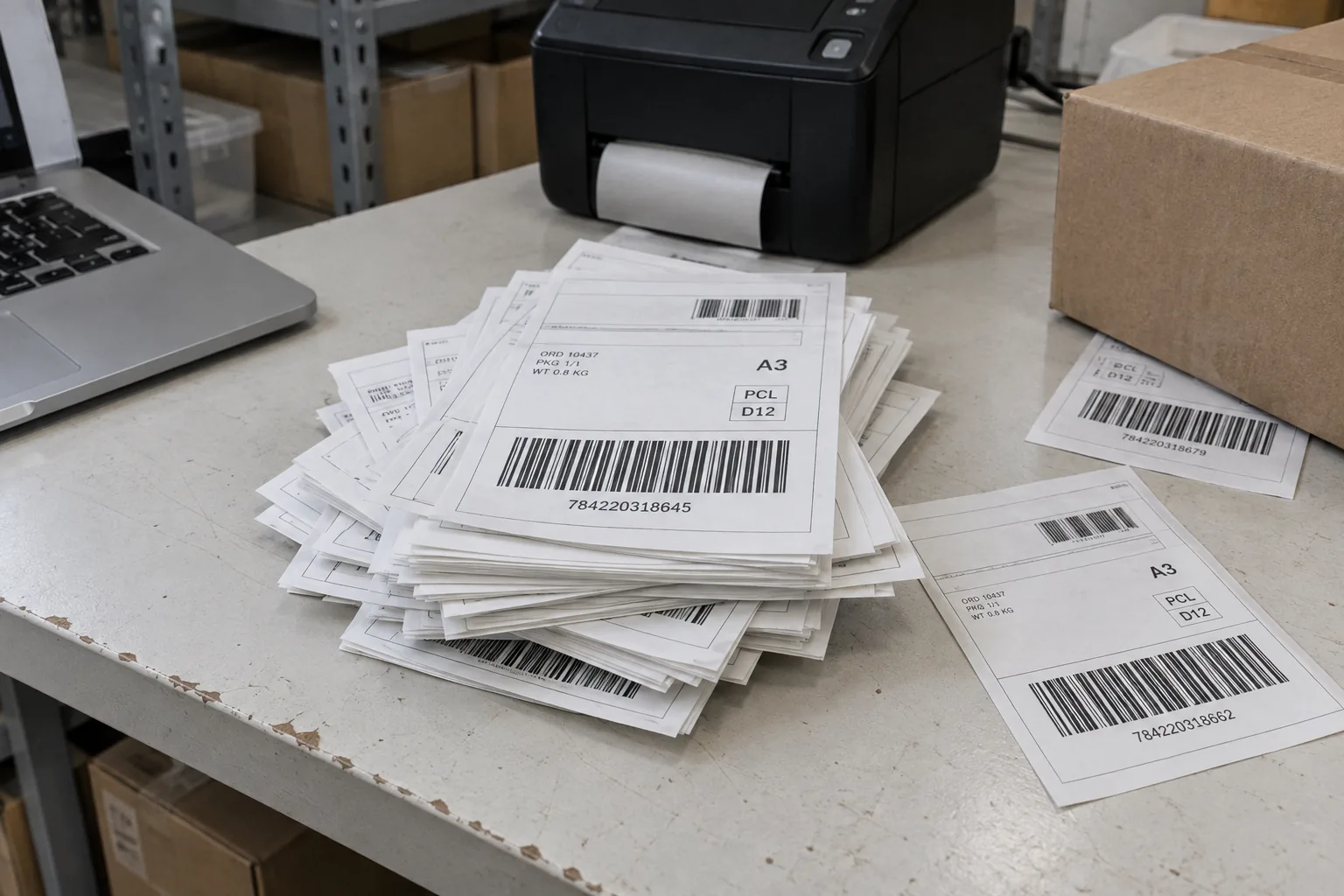
So we tried the opposite. Open the order in the admin, read the items, pick them, print that one label, close the tab, next order. Every parcel gets checked against its order, because you are looking at the order while you pack it.
It is accurate. It is also slow in a way that does not show until you count it. Every order is a page load, a scroll, a print dialog and a click back to the list. Two to three minutes per order on a good day, longer when the admin is slow, and the admin is always slow in November.
And it works for exactly one person. The first time two of us packed at the same time, we both opened order #10254, both printed its label and both packed it, while order #10255 sat on the list for two days because each of us assumed the other one had it. There is no queue in a shop admin. It was built to manage orders, not to hand them out to three people at once.
That is the ceiling most shops hit without naming it: packing capacity is however fast one careful person can click. When the season comes you can hire a second packer, but the admin cannot take one.
What it was costing
Neither way felt like a crisis. That is the point. The costs were spread out, and each one had another explanation.
- Wrong parcels. Every one meant shipping out, shipping back, shipping out again, an apology and usually a discount. The customer had waited twice.
- Backlog. Dispatch drifted from same day to two or three days whenever volume rose, and the inbox filled with people asking where their order was. We blamed the carrier. It was us.
- One packer. Adding a person did not add throughput, so we did not add one, and the queue grew instead.
- Reviews. The bad ones were never about the product. They were about the wrong size arriving, or the parcel that took a week. Those reviews were born at the packing table, and we only read them afterwards.
I still think most owners underestimate this. They see the refund line and the review, and they do not connect either of them to how labels get printed. The packer knows. The packer does not choose the software.
The extension
I could not change the admin, so I built something on top of it: a Chrome extension that ran inside the shop admin and did the packing flow the way I wanted it, instead of the way the admin offered.
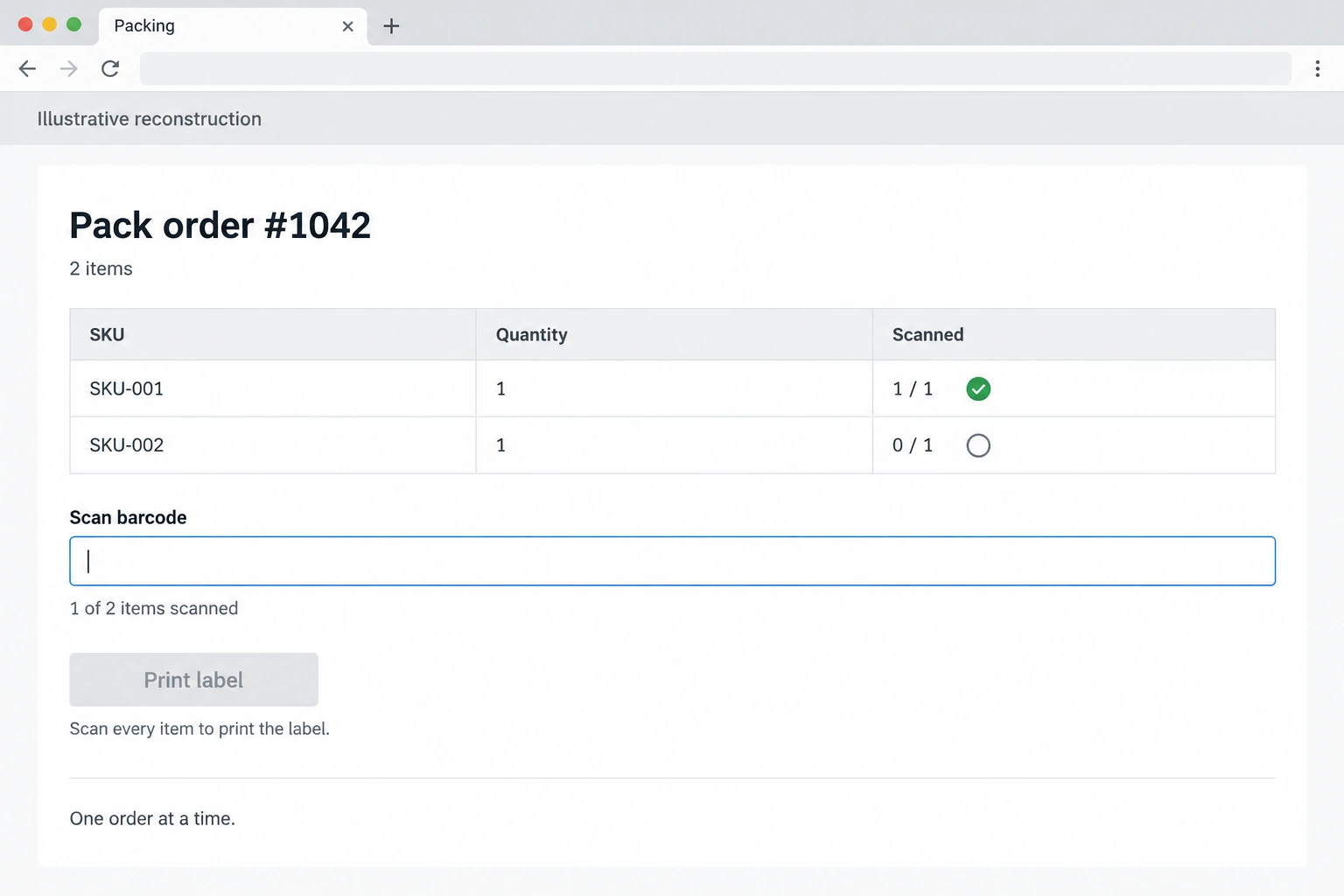
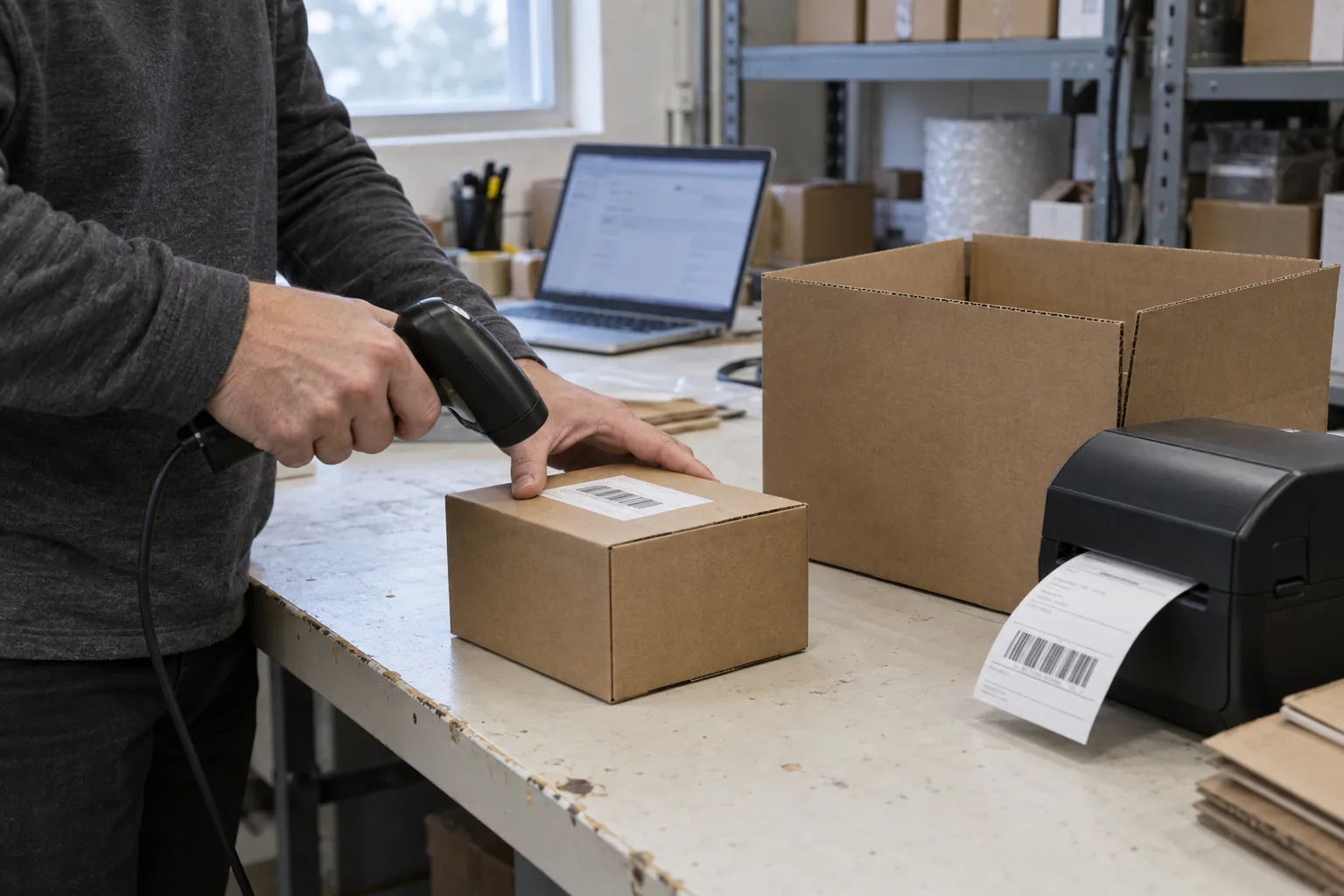
The idea was small. Take the next unpacked order. Show its items. Make me scan each one with a barcode scanner. If the scan matches, tick it off. If it does not, beep and refuse. When every item is ticked, print that one label and mark the order as packed, so nobody else can take it. Then the next order.
There was nothing clever in it. The scanner was the only new hardware, and it cost less than one wrong parcel. The products already had barcodes, and the few that did not got a printed SKU label, which took an afternoon. What made the extension work was what it removed: no searching, no tabs, no pile, and no way to print a label for a box that was not right.
The first week
It was night and day. The same people at the same table packed 90% more orders in the first week, and none of them came back wrong. The backlog was gone within the week. After that, the day ended when the orders ended, not when we gave up.
The part I did not expect was how fast customers noticed. Parcels went out the same day, the wrong-item emails stopped, and the reviews started mentioning delivery. We had not changed the products, the prices or the website. We had changed the packing table.
What the packing table taught me
I have thought about this a lot since, because the same conversation keeps happening with shop owners, and it keeps going the same way. This is what I would have told my own manager back then.
- Reputation is dispatch time plus error rate. Nobody writes a review about your product page. They write about whether the right thing arrived and how long it took. Both numbers are set at the packing table.
- Accuracy and speed are the same fix. Every workaround I tried traded one for the other. Scanning gave us both, because a scanner is faster than reading and stricter than a person.
- The label is the last step, not the first. A label that exists before the box is packed is a promise you may not keep. Print it when the box is right.
- Ask the packer. If the owner does not feel the problem, the person at the table does. They will describe the pile or the tabs in one sentence.
Does your packing table have the same problem?
Five questions. If you answer them the way I would have, you are packing the way I was.
- How do you print labels: all at once in the morning, or one at a time as each box is packed?
- What happens when a customer changes an order after its label is printed?
- How many people can pack at the same time without packing the same order?
- When was the last wrong item shipped, and who told you?
- What does the queue look like on a Monday morning, and in November?
You do not need my extension to fix this. You need the label to come last, a scanner between the shelf and the box, and a queue that hands out orders. Whatever you build or buy, those three are the whole difference.